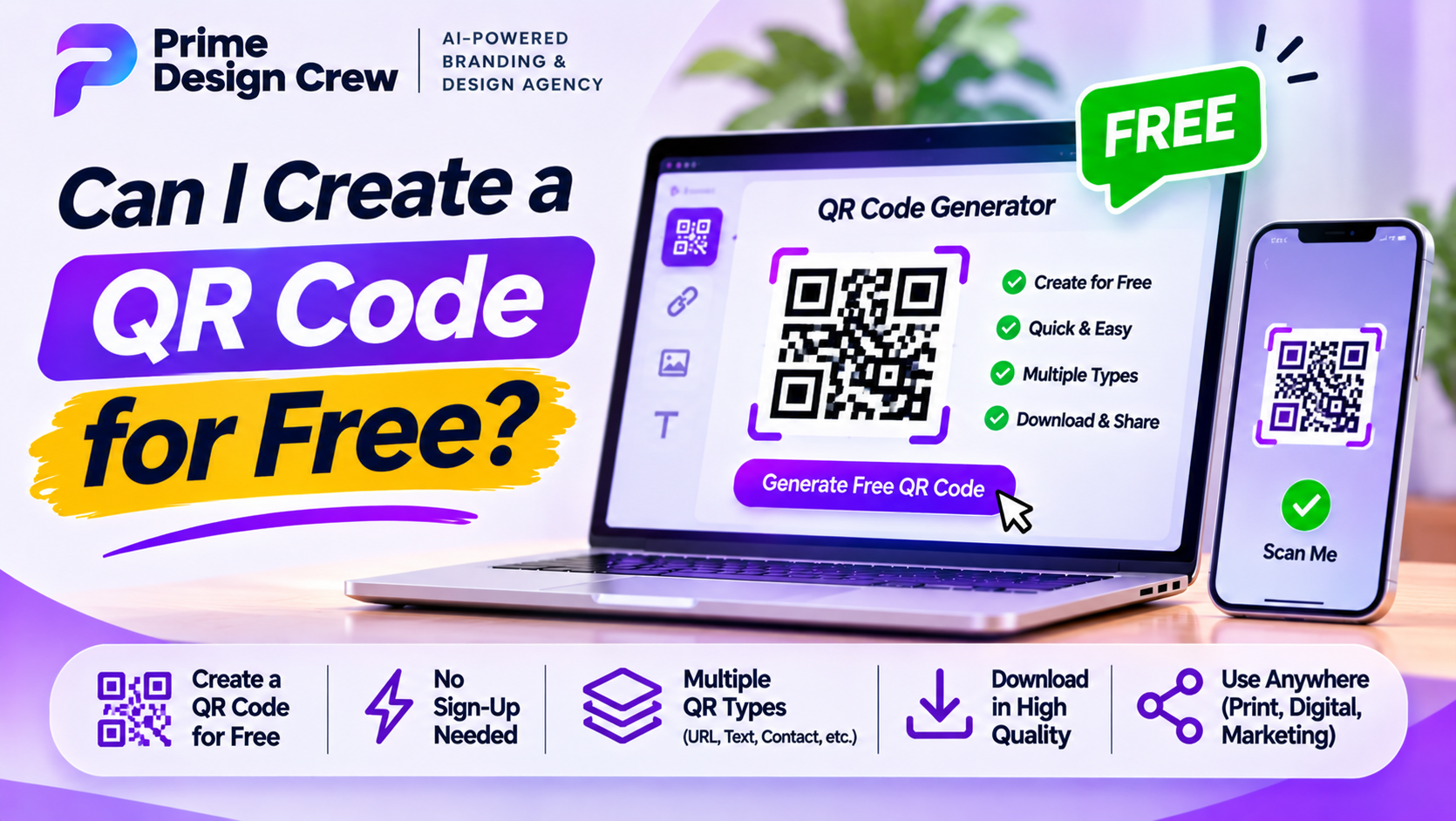
A QR code is a square of black and white modules that a phone camera reads as data. Most often, that data is a web address. It can also be plain text, a Wi-Fi login, a phone number, an email draft or a contact card. Making one costs nothing, and you don’t need design skills.
Start with what the code should hold
Decide this first. Everything else follows from it.
Say you want people to see your café menu. Copy the full URL of that page. Make sure it opens properly on a phone. A QR code only points to a destination. It can’t fix a broken page. Wi-Fi codes need different details. You’ll need the network name and the password. Also note the security type, usually WPA or WPA2.
Pick a generator
Several routes work, and none require payment for a basic code.
Browser built-ins are the quickest. In Chrome on desktop, open the page, right-click it and choose the option to create a QR code for the page. Chrome builds one instantly and lets you download it as a PNG. Edge has something similar. On Android, the share sheet in Chrome offers the same thing.
Online generators are the second route. You paste in a link or type some text, the site renders the code, and you download it. Plenty of them ask you to sign up first, and a few hide the download button behind a paid plan, so read the screen before clicking anything. A decent free generator gives you PNG and SVG files with no watermark.
Third, you can generate codes offline. Libraries for Python, JavaScript and other languages create them locally. That’s overkill for most people, but it’s handy when the data is private and you’d rather not send it through a website.
Static or dynamic
Next up in how to create a QR code for free. This is where people get tripped up.
A static code stores the data directly in the pattern. Nothing expires. Once it’s printed, it works for as long as the destination exists. Free generators nearly always produce static codes.
A dynamic code stores a short redirect link instead, so the real destination can be changed later. That helps with printed material you can’t reprint, and scan counts get tracked too. The catch is that dynamic codes usually sit behind a subscription or a trial. If the service stops, the code stops working, even if it’s already on ten thousand flyers. For anything permanent, static is the safer bet.
Customize without breaking it
Colors, a small logo in the center, rounded modules. All possible, and some free tools allow them. Two rules matter.
Contrast comes first. Dark code on a light background scans best, while inverted versions with a light code on a dark background fail on some older scanners.
Then there’s the quiet zone, the blank margin around the code, roughly four modules wide. Crowd it with text or images and scanning gets unreliable.
Logos are fine if they stay small. QR codes include error correction, which can recover the data when part of the pattern is covered. Higher correction levels survive more damage but make the code denser. Level M or Q suits most jobs.
Download the right file
PNG works for screens and everyday printing. For posters, banners or anything large, SVG is better because it scales without going blurry. If you do choose PNG for print, export it at high resolution. A small file stretched wide turns soft at the edges, and soft edges mean failed scans.
Test before you share
Skip this, and you’ll probably regret it. Scan the finished code with at least two phones, ideally an iPhone and an Android. Try it from arm’s length and from up close. Try it in dim light. Then print a sample at the real size and scan that, since a code that works on screen can still fail on paper.
Size depends on distance. For a business card, about 2 cm square is a sensible minimum. For a poster someone reads from three meters away, go far bigger. A rough rule is to divide the scanning distance by ten to get the minimum width of the code.
Check the link again too. A typo in the URL gets baked into the pattern, and you can’t edit it out of a static code.
A few safety notes
Be careful with codes you didn’t make. A sticker pasted over a real one at a parking meter or on a restaurant table can send people to a fake payment page. When you scan, look at the link preview your phone shows before you open it.
If you’re generating codes for other people, don’t encode sensitive details like passwords unless that’s the whole point, as with a Wi-Fi code. Free generators also vary in how they handle your data. For anything private, read the site’s privacy terms or use an offline tool.A QR code is a square of black and white modules that a phone camera reads as data. Most often, that data is a web address. It can also be plain text, a Wi-Fi login, a phone number, an email draft or a contact card. Making one costs nothing, and you don’t need design skills.
Start with what the code should hold
Decide this first. Everything else follows from it.
Say you want people to see your café menu. Copy the full URL of that page. Make sure it opens properly on a phone. A QR code only points to a destination. It can’t fix a broken page. Wi-Fi codes need different details. You’ll need the network name and the password. Also note the security type, usually WPA or WPA2.
Pick a generator
Several routes work, and none require payment for a basic code.
Browser built-ins are the quickest. In Chrome on desktop, open the page, right-click it and choose the option to create a QR code for the page. Chrome builds one instantly and lets you download it as a PNG. Edge has something similar. On Android, the share sheet in Chrome offers the same thing.
Online generators are the second route. You paste in a link or type some text, the site renders the code, and you download it. Plenty of them ask you to sign up first, and a few hide the download button behind a paid plan, so read the screen before clicking anything. A decent free generator gives you PNG and SVG files with no watermark.
Third, you can generate codes offline. Libraries for Python, JavaScript and other languages create them locally. That’s overkill for most people, but it’s handy when the data is private and you’d rather not send it through a website.
Static or dynamic
Next up in how to create a QR code for free. This is where people get tripped up.
A static code stores the data directly in the pattern. Nothing expires. Once it’s printed, it works for as long as the destination exists. Free generators nearly always produce static codes.
A dynamic code stores a short redirect link instead, so the real destination can be changed later. That helps with printed material you can’t reprint, and scan counts get tracked too. The catch is that dynamic codes usually sit behind a subscription or a trial. If the service stops, the code stops working, even if it’s already on ten thousand flyers. For anything permanent, static is the safer bet.
Customize without breaking it
Colors, a small logo in the center, rounded modules. All possible, and some free tools allow them. Two rules matter.
Contrast comes first. Dark code on a light background scans best, while inverted versions with a light code on a dark background fail on some older scanners.
Then there’s the quiet zone, the blank margin around the code, roughly four modules wide. Crowd it with text or images and scanning gets unreliable.
Logos are fine if they stay small. QR codes include error correction, which can recover the data when part of the pattern is covered. Higher correction levels survive more damage but make the code denser. Level M or Q suits most jobs.
Download the right file
PNG works for screens and everyday printing. For posters, banners or anything large, SVG is better because it scales without going blurry. If you do choose PNG for print, export it at high resolution. A small file stretched wide turns soft at the edges, and soft edges mean failed scans.
Test before you share
Skip this, and you’ll probably regret it. Scan the finished code with at least two phones, ideally an iPhone and an Android. Try it from arm’s length and from up close. Try it in dim light. Then print a sample at the real size and scan that, since a code that works on screen can still fail on paper.
Size depends on distance. For a business card, about 2 cm square is a sensible minimum. For a poster someone reads from three meters away, go far bigger. A rough rule is to divide the scanning distance by ten to get the minimum width of the code.
Check the link again too. A typo in the URL gets baked into the pattern, and you can’t edit it out of a static code.
A few safety notes
Be careful with codes you didn’t make. A sticker pasted over a real one at a parking meter or on a restaurant table can send people to a fake payment page. When you scan, look at the link preview your phone shows before you open it.
If you’re generating codes for other people, don’t encode sensitive details like passwords unless that’s the whole point, as with a Wi-Fi code. Free generators also vary in how they handle your data. For anything private, read the site’s privacy terms or use an offline tool.