Building pitch decks used to mean staring at blank, empty screens for hours. You sat trying to balance fonts, colors, and awkward line spacing. Unfortunately, you barely touched the true substance of your actual message. Context switching constantly made the entire deck creation process completely exhausting. One minute you acted as a dedicated subject matter expert, while the next minute you struggled to play graphic designer instead.
Modern software tools have finally stepped in to break this cycle. Intelligent programs handle spatial layout, simple typography, and structural organization. This allows you to shift your primary focus back to telling your narrative story.
The Real Friction Behind Creating Slide Decks
Most business professionals do not actually hate presenting their core ideas. They simply hate the manual assembly line required before speaking publicly. Gathering rough notes and drafting logical outlines takes up precious time. Pasting key points into slides consumes most of your preparation hours, which leaves very little time for practicing your actual verbal delivery. When you rush, core design quality always takes a big hit, and worse yet, the fundamental clarity of your message suffers greatly. Standard presentation templates were originally supposed to solve this exact problem, but rigid templates often ended up creating brand new frustrations. Your detailed three-sentence bullet point simply refuses to fit inside tiny boxes, so you waste twenty minutes shrinking font sizes just to adjust text. Traditional template libraries force fluid ideas into static, rigid shapes, but true communication actually works in the exact opposite visual direction because the visual container must expand or shrink based on words.
Shifting from Manual Formatting to Thought Organization
Productivity jumps when you stop thinking about individual slide pages and focus entirely on constructing a seamless, logical overall story flow. Imagine dumping unformatted, chaotic text directly into an active workspace where the software parses main topics, supporting points, and key takeaways instantly.
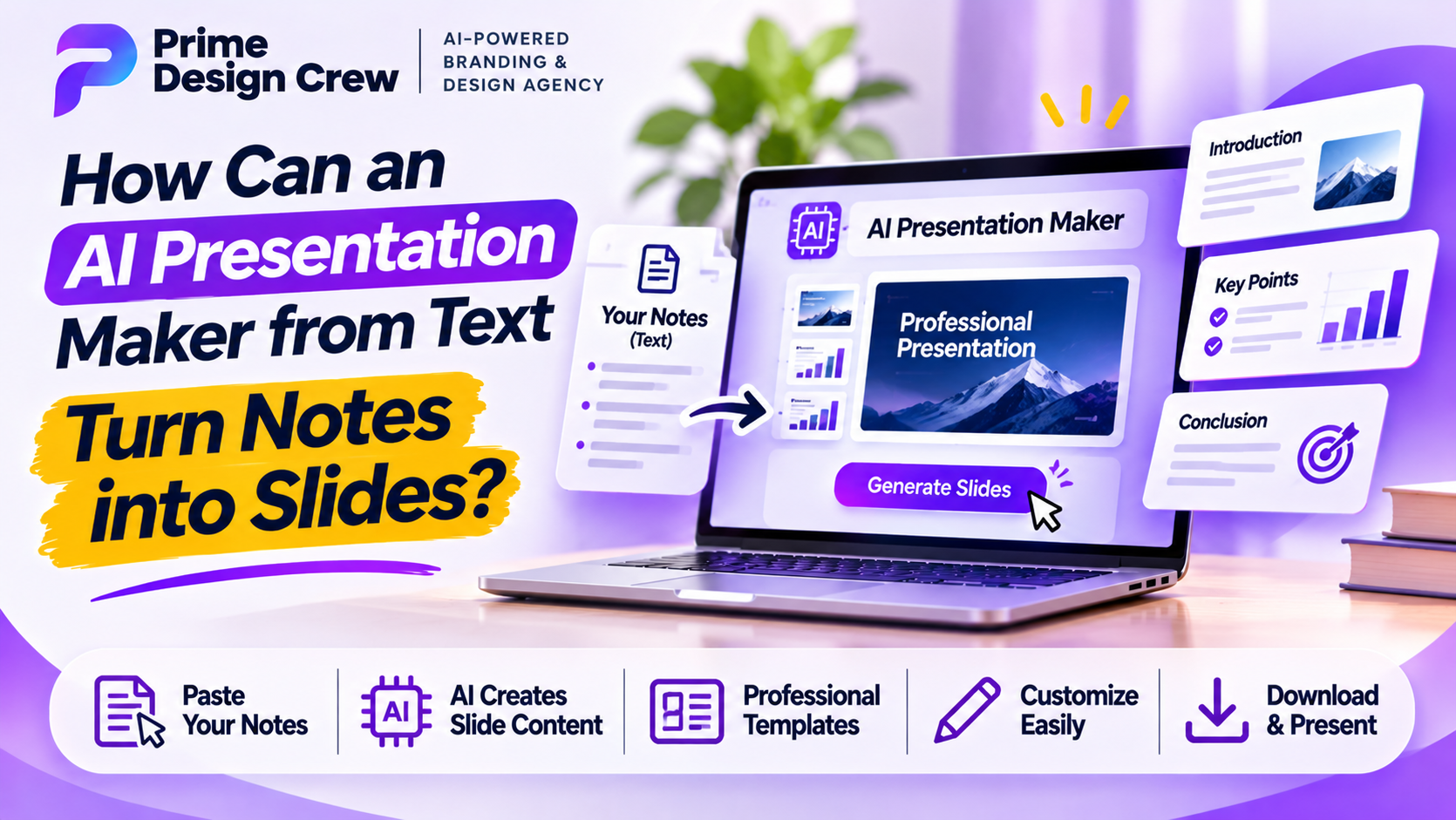
Adopting a dedicated AI presentation maker from text changes your daily workflow completely. Instead of spending hours formatting bullets, you start with structured drafts where your written thoughts instantly become the true foundation of your slides. Paragraphs detailing growth convert automatically into clean metric displays, while sequential processes arrange themselves into easy left-to-right charts. This modern workflow keeps your brain in deep focus mode so you spend energy strengthening narratives instead of fixing grid alignments.
Why Context Matters More Than Visual Fluff
Automated design tools sometimes risk making slides look fairly generic. Early automated generators produced predictable layouts with random stock photography, but modern design algorithms have matured significantly over the past few years. Systems analyze semantic meaning behind copy to make intentional design choices, ensuring strict compliance topics receive clean typography with very minimal distractions, while creative brand pitches receive bold visual structures and dynamic spatial arrangements. Contextual awareness also drastically improves complex raw data presentation methods. Algorithms identify important revenue increases and elevate key milestone dates, effectively transforming dense text documents into readable visual stories for audiences.
Reclaiming Your Time for Meaningful Delivery
Outsourcing slide assembly never means forfeiting your personal creative control. Think of modern software as an eager, efficient junior designer whose generated draft gets you eighty percent toward final completion. You step in as chief editor to add personal anecdotes and adjust color themes to match specific corporate brand guidelines.
Get Prime Design Crew’s stories in your inbox
Join Medium for free to get updates from this writer.
This workflow opens up substantial extra time in busy schedules, meaning no more spending late nights fixing tiny slide margin errors. Saved time allows for deeper fact-checking and thorough research, while giving you extra hours to rehearse speaking voice and pacing. Visual slides support your voice rather than replacing your presence, so let smart algorithms handle tedious translation tasks for your team while you focus completely on delivering clear ideas to drive meaningful change.
Frequently Asked Questions
How does converting written text into slides actually work?
Natural language processing analyzes structural meaning inside uploaded notes to pull key ideas. The algorithm identifies headings, core arguments, and numerical data points before breaking information down into distinct, logical slide layouts automatically.
Will I still have control to edit slides after generation?
Generation tools provide complete first drafts that remain fully editable at any point. You can manually rewrite text, swap images, and alter fonts, with most platforms exporting files directly to PowerPoint or standard PDF formats.
What type of written input yields the best visual output?
Clear headings, logical paragraph breaks, and explicit metrics yield the best visual results. Including brief context about target audiences helps select visual tones, while structured outlines allow algorithms to build better graphic representations quickly.
Building pitch decks used to mean staring at blank, empty screens for hours. You sat trying to balance fonts, colors, and awkward line spacing. Unfortunately, you barely touched the true substance of your actual message. Context switching constantly made the entire deck creation process completely exhausting. One minute you acted as a dedicated subject matter expert, while the next minute you struggled to play graphic designer instead.
Modern software tools have finally stepped in to break this cycle. Intelligent programs handle spatial layout, simple typography, and structural organization. This allows you to shift your primary focus back to telling your narrative story.
The Real Friction Behind Creating Slide Decks
Most business professionals do not actually hate presenting their core ideas. They simply hate the manual assembly line required before speaking publicly. Gathering rough notes and drafting logical outlines takes up precious time. Pasting key points into slides consumes most of your preparation hours, which leaves very little time for practicing your actual verbal delivery. When you rush, core design quality always takes a big hit, and worse yet, the fundamental clarity of your message suffers greatly. Standard presentation templates were originally supposed to solve this exact problem, but rigid templates often ended up creating brand new frustrations. Your detailed three-sentence bullet point simply refuses to fit inside tiny boxes, so you waste twenty minutes shrinking font sizes just to adjust text. Traditional template libraries force fluid ideas into static, rigid shapes, but true communication actually works in the exact opposite visual direction because the visual container must expand or shrink based on words.
Shifting from Manual Formatting to Thought Organization
Productivity jumps when you stop thinking about individual slide pages and focus entirely on constructing a seamless, logical overall story flow. Imagine dumping unformatted, chaotic text directly into an active workspace where the software parses main topics, supporting points, and key takeaways instantly.
Adopting a dedicated AI presentation maker from text changes your daily workflow completely. Instead of spending hours formatting bullets, you start with structured drafts where your written thoughts instantly become the true foundation of your slides. Paragraphs detailing growth convert automatically into clean metric displays, while sequential processes arrange themselves into easy left-to-right charts. This modern workflow keeps your brain in deep focus mode so you spend energy strengthening narratives instead of fixing grid alignments.
Why Context Matters More Than Visual Fluff
Automated design tools sometimes risk making slides look fairly generic. Early automated generators produced predictable layouts with random stock photography, but modern design algorithms have matured significantly over the past few years. Systems analyze semantic meaning behind copy to make intentional design choices, ensuring strict compliance topics receive clean typography with very minimal distractions, while creative brand pitches receive bold visual structures and dynamic spatial arrangements. Contextual awareness also drastically improves complex raw data presentation methods. Algorithms identify important revenue increases and elevate key milestone dates, effectively transforming dense text documents into readable visual stories for audiences.
Reclaiming Your Time for Meaningful Delivery
Outsourcing slide assembly never means forfeiting your personal creative control. Think of modern software as an eager, efficient junior designer whose generated draft gets you eighty percent toward final completion. You step in as chief editor to add personal anecdotes and adjust color themes to match specific corporate brand guidelines.
Get Prime Design Crew’s stories in your inbox
Join Medium for free to get updates from this writer.
Enter your email
Subscribe
Remember me for faster sign in
This workflow opens up substantial extra time in busy schedules, meaning no more spending late nights fixing tiny slide margin errors. Saved time allows for deeper fact-checking and thorough research, while giving you extra hours to rehearse speaking voice and pacing. Visual slides support your voice rather than replacing your presence, so let smart algorithms handle tedious translation tasks for your team while you focus completely on delivering clear ideas to drive meaningful change.
Frequently Asked Questions
How does converting written text into slides actually work?
Natural language processing analyzes structural meaning inside uploaded notes to pull key ideas. The algorithm identifies headings, core arguments, and numerical data points before breaking information down into distinct, logical slide layouts automatically.
Will I still have control to edit slides after generation?
Generation tools provide complete first drafts that remain fully editable at any point. You can manually rewrite text, swap images, and alter fonts, with most platforms exporting files directly to PowerPoint or standard PDF formats.
What type of written input yields the best visual output?
Clear headings, logical paragraph breaks, and explicit metrics yield the best visual results. Including brief context about target audiences helps select visual tones, while structured outlines allow algorithms to build better graphic representations quickly.