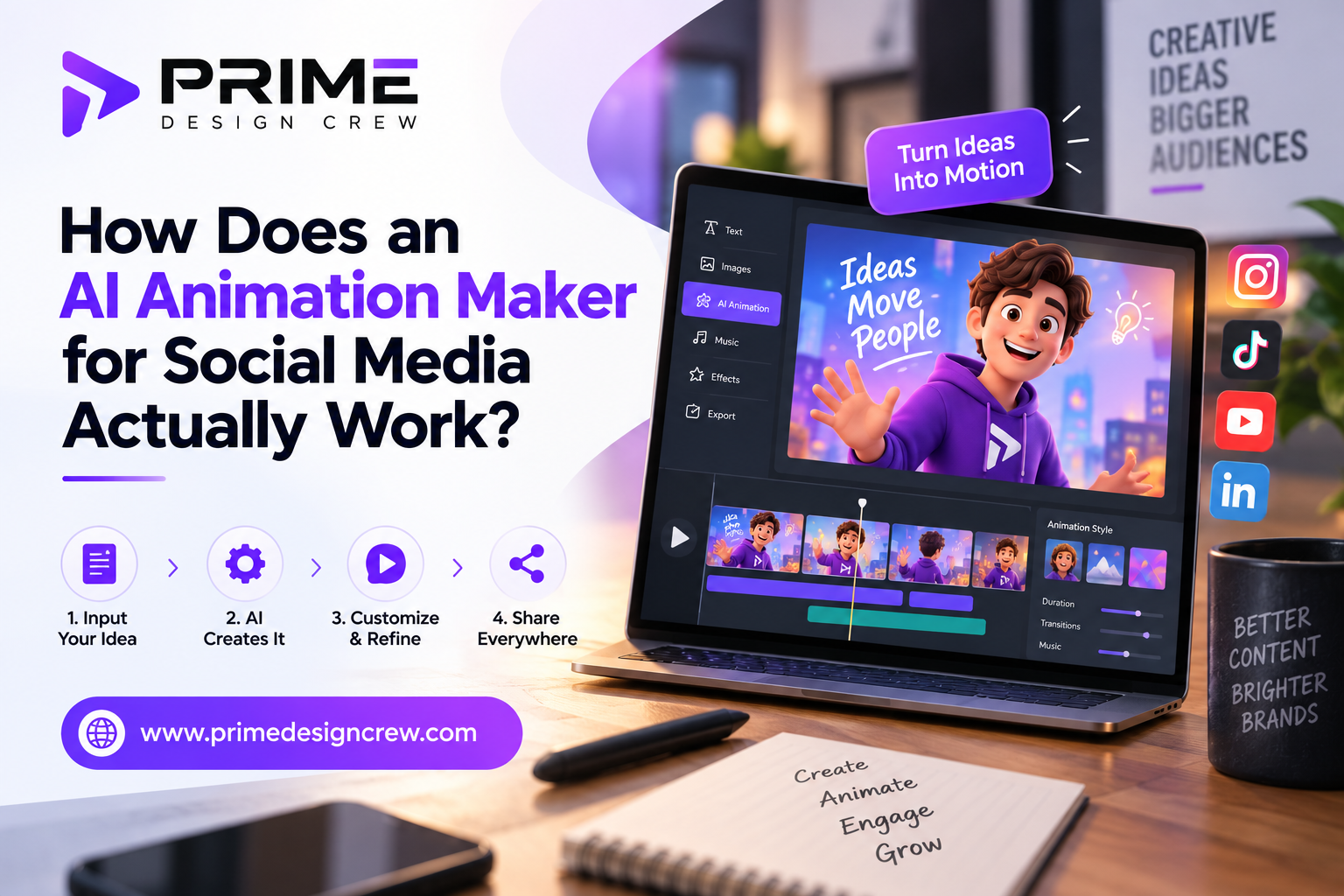
Most animation problems begin before the software opens. Flattened files remove the separation motion depends on, while embedded text and merged brand assets leave little for the software to animate independently.
Most teams blame the animation tool because that is the last thing they touched before something went wrong. In practice, the software usually exposes problems that already existed in the source files. Understanding that difference changes how projects are planned, reviewed, and delivered.
Where Production Actually Breaks Down
Here is where most production teams unknowingly lose time and quality.
Flattened layers remove the separation the software depends on. When everything is merged, the AI cannot distinguish the product from the background. It tries to move the entire image.
Edge detection fails with multiple products in frame. A chair and a table placed close together confuse the boundary. The software does not know where one ends and the other begins.
Export size creates another problem. These tools generate heavy MP4s by default, often 15 to 20 MB. Social platforms compress that to low quality and deprioritize the slow-loading files. A free compressor solves the issue.
Review cycles slow down as campaign variations multiply. Each regional version requires separate approval. Caption revisions arrive after the animation is already rendered. Inconsistent aspect ratios across platforms mean rebuilding templates from scratch.
The software itself is rarely the bottleneck. The production process feeding it is.
How the Two Models Handle Motion
Most AI animation applications use one of two approaches.
The first is rigging. Upload a flat image: a product photo, a podcast host's headshot. Mark the pivot points: jaw, shoulders, eyes. Tell the software where those points should move. The AI calculates every frame in between. That is how you get a talking head or a rotating shoe.
The second is generative. Type a prompt. The AI hallucinates a sequence of moving pixels.
Generative animation struggles with color consistency. A sofa may shift between shades from one frame to the next because the model is predicting each frame rather than following fixed brand assets. For backgrounds or mood boards, fine. For product feeds, useless.
Rigging works well on simple, isolated subjects. A person talking. A single shoe rotating. A headline sliding onto a plain backdrop. Put three products in the frame, and the AI starts confusing edges. Masking takes longer than the animation itself.
A Common Workflow Mistake
Many teams start by animating finished marketing graphics. Those files usually contain merged backgrounds, multiple products, and embedded text. The software has to guess which elements should move independently, and the results often require more cleanup than manual animation.
A simpler workflow usually produces better results. Build a single static master file in Canva or Photoshop with clearly separated layers. Import that file into the animation tool.
Set three motion rules: text scales in from the left, the background image pans right at low speed, and the call-to-action button pulses every two seconds.
Save that as a template. Apply it to fifteen product images for next week's drop. Export all fifteen in ten minutes.
For a one-off hero video, hire a freelancer. The AI will cost more in frustration than the freelancer's fee.
Comparison
Most vendors will not tell you when not to use their product. That omission costs you time and money.
| Feature | Rigging-Based Tools | Template-Driven Platforms | Generative Engines | |||
| Best For | Animating hosts or simple products | High-volume ads, sales promos | Abstract backgrounds, concept art | |||
| Output Consistency | Predictable if inputs are clean | Extremely consistent | Highly inconsistent | |||
| Hidden Cost | Steep learning curve for fine-tuning | Content looks templated | Rendering wait times vary widely | |||
| When to Avoid | Complex group shots | Long-form narratives | Brand-critical color accuracy | |||
| ||||||
| ||||||
| ||||||
| ||||||
| ||||||
| ||||||
| ||||||
| ||||||
Three Rules
Start with a clean static asset. Weak composition becomes obvious once it moves. Motion draws attention to every flaw.
Compress the output. Heavy files get butchered by social platforms. Run the export through a free tool. Completion rates improve noticeably.
Watch without sound first. Captions should tell the whole story. Motion amplifies a message. It does not generate one.
Apply these rules, and an AI animation maker for social media becomes a reliable batch tool. It lets you push out thirty variants of a sale announcement without hiring a motion team.Most animation problems begin before the software opens. Flattened files remove the separation motion depends on, while embedded text and merged brand assets leave little for the software to animate independently.
Most teams blame the animation tool because that is the last thing they touched before something went wrong. In practice, the software usually exposes problems that already existed in the source files. Understanding that difference changes how projects are planned, reviewed, and delivered.
Where Production Actually Breaks Down
Here is where most production teams unknowingly lose time and quality.
Flattened layers remove the separation the software depends on. When everything is merged, the AI cannot distinguish the product from the background. It tries to move the entire image.
Edge detection fails with multiple products in frame. A chair and a table placed close together confuse the boundary. The software does not know where one ends and the other begins.
Export size creates another problem. These tools generate heavy MP4s by default, often 15 to 20 MB. Social platforms compress that to low quality and deprioritize the slow-loading files. A free compressor solves the issue.
Review cycles slow down as campaign variations multiply. Each regional version requires separate approval. Caption revisions arrive after the animation is already rendered. Inconsistent aspect ratios across platforms mean rebuilding templates from scratch.
The software itself is rarely the bottleneck. The production process feeding it is.
How the Two Models Handle Motion
Most AI animation applications use one of two approaches.
The first is rigging. Upload a flat image: a product photo, a podcast host's headshot. Mark the pivot points: jaw, shoulders, eyes. Tell the software where those points should move. The AI calculates every frame in between. That is how you get a talking head or a rotating shoe.
The second is generative. Type a prompt. The AI hallucinates a sequence of moving pixels.
Generative animation struggles with color consistency. A sofa may shift between shades from one frame to the next because the model is predicting each frame rather than following fixed brand assets. For backgrounds or mood boards, fine. For product feeds, useless.
Rigging works well on simple, isolated subjects. A person talking. A single shoe rotating. A headline sliding onto a plain backdrop. Put three products in the frame, and the AI starts confusing edges. Masking takes longer than the animation itself.
A Common Workflow Mistake
Many teams start by animating finished marketing graphics. Those files usually contain merged backgrounds, multiple products, and embedded text. The software has to guess which elements should move independently, and the results often require more cleanup than manual animation.
A simpler workflow usually produces better results. Build a single static master file in Canva or Photoshop with clearly separated layers. Import that file into the animation tool.
Set three motion rules: text scales in from the left, the background image pans right at low speed, and the call-to-action button pulses every two seconds.
Save that as a template. Apply it to fifteen product images for next week's drop. Export all fifteen in ten minutes.
For a one-off hero video, hire a freelancer. The AI will cost more in frustration than the freelancer's fee.
Comparison
Most vendors will not tell you when not to use their product. That omission costs you time and money.
Feature Rigging-Based Tools Template-Driven Platforms Generative Engines
Best For Animating hosts or simple products High-volume ads, sales promos Abstract backgrounds, concept art
Output Consistency Predictable if inputs are clean Extremely consistent Highly inconsistent
Hidden Cost Steep learning curve for fine-tuning Content looks templated Rendering wait times vary widely
When to Avoid Complex group shots Long-form narratives Brand-critical color accuracy
Three Rules
Start with a clean static asset. Weak composition becomes obvious once it moves. Motion draws attention to every flaw.
Compress the output. Heavy files get butchered by social platforms. Run the export through a free tool. Completion rates improve noticeably.
Watch without sound first. Captions should tell the whole story. Motion amplifies a message. It does not generate one.
Apply these rules, and an AI animation maker for social media becomes a reliable batch tool. It lets you push out thirty variants of a sale announcement without hiring a motion team.