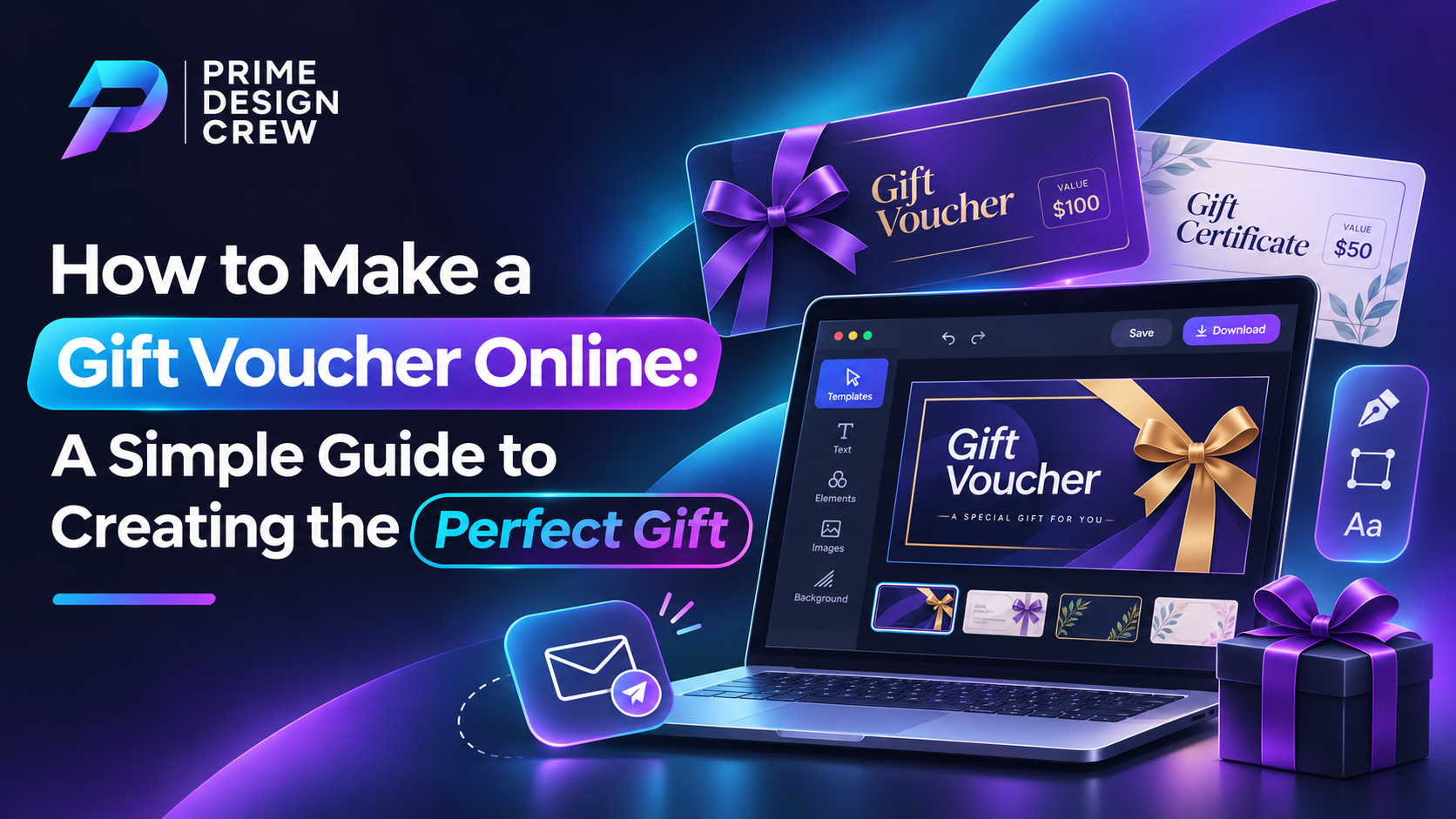
Finding the perfect gift for someone isn't always easy. You may have an idea of what they enjoy, but are unable to come up with the right thing. Sometimes, it just isn't worth the gamble to purchase some item they might never use. This is why gift vouchers are a great option. They provide human beings with the opportunity to select something that they truly want yet appreciate them at the same time. And the best part? It does not require to go to a store to make one. In a few easy steps, you can learn how to make a gift voucher online and make an ordinary gift a special gift.
1. Start by Choosing an Online Design Tool
First, you'll need a platform where you can create your gift voucher. You don't have to create the design from scratch, as there are many online design tools available that provide you with templates to choose from. Opt for the one that is easy to use and includes enough options to alter the colors, fonts, layout and overall design. If you are looking for something simple that will help you save time, then the entire process is going to be much easier.
2. Select a Design Appropriate to the Event
Consider who the voucher is to and what the event will be used for. A birthday gift may be a lot of fun and colorful, whereas an anniversary gift might warrant something more classy. If it's for a business promotion, a clean and professional design would be a better choice.
You don't need to go overboard with decorations. In some instances, a design that is simple, has the right color and a nice message is much better than a design that is too busy.
3. Make It Personal
This is where you can make your gift voucher a bit extra special. Write the person's name and add a brief message and put a few words about who is giving the gift. Even a simple phrase such as “Hope you enjoy treating yourself!” can help make the voucher seem sincere.
It is also essential to tell the students about the contents of the voucher. It may be a shopping allowance, a free service, a discount or a specific experience. Be clear as to the nature of what is being given.
4. Click on Add All the Important Details.Click on Add All the Important Details.
It's essential to have a good looking voucher, but it's also important that it's easy to use. Before you proceed, be sure you have included all the information in the poster, including:
· The dollar amount or discount of the voucher.
· If there is an expiration date, it will be listed.
· How and where it can be redeemed.
· Any conditions.
· Business contact information (if necessary)
· If applicable, a special voucher number.
These will all help to avoid confusion when someone uses their voucher and can make a difference.
5. Before downloading anything, run a check on everything!
Just before you're done, review your design. Double-check for spelling, names, voucher amount and other details. Ensure the text is clear and there are no important elements missing.
When you're satisfied with all your settings, save your voucher. Most online design sites allow you to save it in a PDF, PNG or JPEG file. You may select the best format for printing out or digital sharing.
6. Make Someone's Day/Send It.
The easy part is now here! You can share your customized gift voucher via WhatsApp, email or any other messaging app. Alternatively, it's possible to create a print version and deliver it face-to-face.
An Insightful Gift Doesn't Require to Be Complex.
Giving gifts is a matter of making someone feel special at the end of the day. Personalised gift vouchers are an easy method to accomplish this without spending hours looking for the proper present. It can be a friend, family member, colleague or customer, a well-crafted voucher will make them smile and make them feel that you thought about the gift.Finding the perfect gift for someone isn't always easy. You may have an idea of what they enjoy, but are unable to come up with the right thing. Sometimes, it just isn't worth the gamble to purchase some item they might never use. This is why gift vouchers are a great option. They provide human beings with the opportunity to select something that they truly want yet appreciate them at the same time. And the best part? It does not require to go to a store to make one. In a few easy steps, you can learn how to make a gift voucher online and make an ordinary gift a special gift.
1. Start by Choosing an Online Design Tool
First, you'll need a platform where you can create your gift voucher. You don't have to create the design from scratch, as there are many online design tools available that provide you with templates to choose from. Opt for the one that is easy to use and includes enough options to alter the colors, fonts, layout and overall design. If you are looking for something simple that will help you save time, then the entire process is going to be much easier.
2. Select a Design Appropriate to the Event
Consider who the voucher is to and what the event will be used for. A birthday gift may be a lot of fun and colorful, whereas an anniversary gift might warrant something more classy. If it's for a business promotion, a clean and professional design would be a better choice.
You don't need to go overboard with decorations. In some instances, a design that is simple, has the right color and a nice message is much better than a design that is too busy.
3. Make It Personal
This is where you can make your gift voucher a bit extra special. Write the person's name and add a brief message and put a few words about who is giving the gift. Even a simple phrase such as “Hope you enjoy treating yourself!” can help make the voucher seem sincere.
It is also essential to tell the students about the contents of the voucher. It may be a shopping allowance, a free service, a discount or a specific experience. Be clear as to the nature of what is being given.
4. Click on Add All the Important Details.Click on Add All the Important Details.
It's essential to have a good looking voucher, but it's also important that it's easy to use. Before you proceed, be sure you have included all the information in the poster, including:
• The dollar amount or discount of the voucher.
• If there is an expiration date, it will be listed.
• How and where it can be redeemed.
• Any conditions.
• Business contact information (if necessary)
• If applicable, a special voucher number.
These will all help to avoid confusion when someone uses their voucher and can make a difference.
5. Before downloading anything, run a check on everything!
Just before you're done, review your design. Double-check for spelling, names, voucher amount and other details. Ensure the text is clear and there are no important elements missing.
When you're satisfied with all your settings, save your voucher. Most online design sites allow you to save it in a PDF, PNG or JPEG file. You may select the best format for printing out or digital sharing.
6. Make Someone's Day/Send It.
The easy part is now here! You can share your customized gift voucher via WhatsApp, email or any other messaging app. Alternatively, it's possible to create a print version and deliver it face-to-face.
An Insightful Gift Doesn't Require to Be Complex.
Giving gifts is a matter of making someone feel special at the end of the day. Personalised gift vouchers are an easy method to accomplish this without spending hours looking for the proper present. It can be a friend, family member, colleague or customer, a well-crafted voucher will make them smile and make them feel that you thought about the gift.