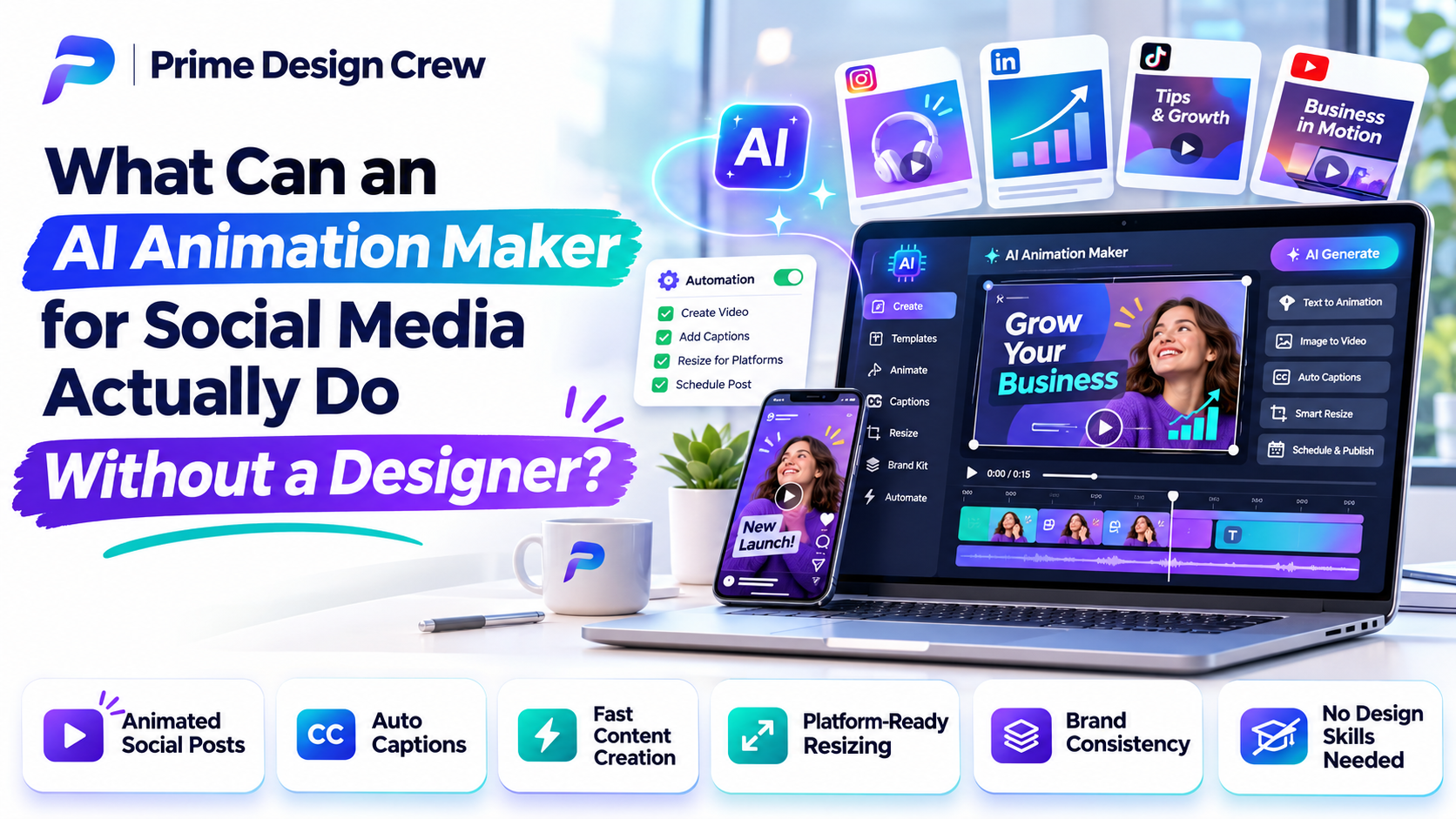
An AI animation maker for social media can produce short animated scenes, animate existing graphics, build text-led clips, create simple product demonstrations, and turn short scripts into rough visual sequences. The range depends on the tool. The finished post still needs someone to decide what the viewer should see, read, and do.
That distinction matters because a generated animation can look finished while still missing the point of the post. A ten-second clip may have smooth movement and clean transitions, yet show the product too late, bury the message in text, or leave the viewer with no reason to act.
Start With What the Tool Can Actually Produce
Most current tools can take a prompt, script, image, or existing visual and turn it into a short animated piece. Depending on the platform, that may include:
· Short animated scenes
· Animated versions of existing graphics
· Text-led social clips
· Simple product demonstrations
· Short explainers
· Variations of an existing visual idea
For a social post, the useful part is often the first draft. A static product image can become a moving presentation. A short announcement can be broken into scenes. An existing graphic can be given enough movement to hold attention in a feed.
The amount of control varies widely. Some tools are good at producing a quick visual from a short description. Others offer more control over scenes, timing, assets, voice, music, or editing. Those differences become important once a brand needs the animation to follow a specific layout or campaign.
The Animation Usually Starts With a Decision
Consider a simple instruction: “Create a short animation promoting a new coffee shop.” It gives the tool a subject, but leaves most of the job undefined.
A more useful brief would be: “Create a 10-second vertical animation showing coffee being poured, followed by the shop name and Saturday opening hours. Keep the opening text visible long enough to read.”
The second instruction settles several production choices before generation begins. It gives the animation a length, format, subject, sequence, on-screen text, timing, and a reason for the viewer to keep watching. The person making the animation still decides what belongs in those slots.
That decision-making often takes less time than building every scene by hand, but it cannot be removed from the process. A tool can generate movement. It does not automatically know which detail carries the message.
Turn One Social Post Into a Short Animation
Take a fictional social post: “New weekend menu. Three new drinks are available Saturday.”
A workable production path could look like this:
1. Original post: identify the three drinks and the Saturday availability.
2. Visual idea: make the drinks the first thing the viewer sees.
3. Short script: introduce the menu, show each drink, then give the availability.
4. Scene sequence: plan the order before generating movement.
5. Animation: create the first version from the sequence.
6. Captions: add readable text for viewers watching without sound.
7. Export: prepare the finished version for the intended social platform.
The generated version might open on the first drink, bring in the second and third, display “Available Saturday,” and close with the shop name and location. The tool can handle much of the visual assembly. Someone still has to decide whether each drink stays visible long enough, whether the order makes sense, and whether the final frame gives enough information.
What Needs to Be Decided Before Generation?
A short animation benefits from a few decisions before the prompt is written. The questions are straightforward:
· Where will the animation appear?
· How long should it run?
· What should the viewer notice first?
· Will the animation work without sound?
· How much text needs to appear?
· Does the product need to remain visible?
· What should happen in the final second?
· Does the animation need to match existing brand artwork?
These choices affect the generation itself. A product that must remain visible needs a different composition from a scene where the product only appears at the end. A message designed for silent viewing needs readable text or captions. A branded campaign needs tighter control over type, color, composition, and movement.
Where AI Can Cut Down the First-Draft Work
The strongest use case is often the rough version. An AI animation tool can help with specific pieces of the early production process:
· Generating initial visual ideas
· Producing several scene variations
· Animating a static image
· Testing different openings
· Creating simple transitions
· Turning a short script into a rough visual sequence
· Adapting an idea into another format
A first generated clip should be treated as a working draft. Timing may need adjustment. Text may appear too briefly. The framing may hide an important part of the product. Branding, captions, sound, and pacing can all require another pass.
This is also where the economics of the workflow become clearer. Producing three rough openings can be useful when each would take substantial manual work. There is little value in generating twenty versions when the underlying brief has not been settled.
Where the Output Can Miss the Point
Some problems are easy to spot because the animation fails technically. More interesting problems happen when everything appears to work, and the post still does not communicate well.
· The opening takes too long.
· Important text disappears too quickly.
· The product is obscured by movement.
· The animation looks busy on a phone.
· Decorative motion distracts from the message.
· The brand appears only at the end.
· Captions are difficult to read.
· A visually interesting scene communicates nothing useful.
· The final frame gives the viewer no clear next step.
These are review problems rather than generation problems. Someone has to watch the clip as a viewer would. A creator who knows what the animation was supposed to do may overlook a weak opening because the intended message is already familiar to them.
Five Checks Before Posting
A short review routine can catch many of the problems above.
ü Watch without sound. Can the main idea still be understood?
ü Watch the opening three seconds. Is the subject clear quickly enough?
ü Read every text element. Can the viewer finish reading before it disappears?
ü Check the final frame. Does it contain the information or action the viewer needs?
ü View it on a phone. Are the text, product, logo, and important details still easy to see?
Three Jobs These Tools Handle Well
Product demonstrations
Movement can show how a product looks, opens, changes, or works. A creator still needs to choose the detail worth showing and decide how quickly the demonstration should move.
Short explainers
An idea that can be divided into a few simple visual steps is a natural fit. The work is in deciding which steps deserve screen time and which details can be left out.
Social announcements
Launches, events, opening dates, new products, and updates often suit short animations. The important choice is the order of information. A date that appears after several seconds of decoration may be technically present and practically useless.
Three Jobs That Need More Human Direction
Detailed brand campaigns
A campaign with a fixed visual language may require close control over composition, type, color, movement, and repeated design elements. Small differences between scenes can become obvious when several posts are viewed together.
Sensitive subjects
Serious events, personal experiences, health topics, public issues, and other sensitive subjects require careful review of wording and imagery. A generated visual can introduce a detail that changes the tone or meaning of the post.
Highly specific art direction
An exact visual style, character, sequence, composition, or movement can require substantial editing after generation. The issue is the level of control required. A tool may produce a useful starting point without producing the exact shot that was requested.
Generate, Then Judge
A practical working sequence is: Brief → Generate → Select → Edit → Check → Publish.
Brief: decide what the animation needs to communicate.
Generate: produce one or several rough versions.
Select: keep the version closest to the intended message.
Edit: fix timing, text, framing, branding, captions, sound, or other problems.
Check: review it on the actual screen and platform where it will appear.
Publish: export the required format and upload the finished version.
Generation is one stage in that sequence. For a simple social post, it may remove a large amount of first-draft work. It does not remove review and editorial judgment.
What Changes When One Animation Goes to Several Platforms?
A simple resize does not always produce a good second version. Vertical video, square posts, and landscape placements give the subject and text different amounts of usable space.
A product positioned correctly in a vertical clip may become partially hidden after a square crop. Text that works on a large screen may become difficult to read on a phone. A subject placed near the edge can also be pushed out of frame when the aspect ratio changes.
Pacing can change too. A sequence that feels comfortable in one format may feel crowded after a crop or repositioning. Text position, subject placement, cropping, and timing should be checked for each version rather than treated as automatic export settings.
FAQs
Can AI-generated animations be used in commercial social media posts?
They can be used commercially when the specific tool's current terms permit that use. Licensing can also apply to third-party images, music, voices, fonts, or other assets included in the project. The terms should be checked before publishing a commercial post.
Do AI animation makers create voiceovers and music too?
Some tools include voice, music, or sound-generation features. Others focus mainly on visuals. Capabilities vary by platform, so voice and music should be treated as separate features rather than assumed parts of every animation tool.
Can one AI-generated animation be used on every social media platform?
The same concept can often be adapted, but one exported file may not work well everywhere. Dimensions, cropping, text placement, duration, and platform requirements can call for separate versions.
Should a business keep the original AI-generated project file?
Keeping the editable project file and original assets can make later revisions, resizing, and brand updates much easier. It also avoids rebuilding an animation from scratch when a date, product detail, logo, or other element changes.An AI animation maker for social media can produce short animated scenes, animate existing graphics, build text-led clips, create simple product demonstrations, and turn short scripts into rough visual sequences. The range depends on the tool. The finished post still needs someone to decide what the viewer should see, read, and do.
That distinction matters because a generated animation can look finished while still missing the point of the post. A ten-second clip may have smooth movement and clean transitions, yet show the product too late, bury the message in text, or leave the viewer with no reason to act.
Start With What the Tool Can Actually Produce
Most current tools can take a prompt, script, image, or existing visual and turn it into a short animated piece. Depending on the platform, that may include:
• Short animated scenes
• Animated versions of existing graphics
• Text-led social clips
• Simple product demonstrations
• Short explainers
• Variations of an existing visual idea
For a social post, the useful part is often the first draft. A static product image can become a moving presentation. A short announcement can be broken into scenes. An existing graphic can be given enough movement to hold attention in a feed.
The amount of control varies widely. Some tools are good at producing a quick visual from a short description. Others offer more control over scenes, timing, assets, voice, music, or editing. Those differences become important once a brand needs the animation to follow a specific layout or campaign.
The Animation Usually Starts With a Decision
Consider a simple instruction: “Create a short animation promoting a new coffee shop.” It gives the tool a subject, but leaves most of the job undefined.
A more useful brief would be: “Create a 10-second vertical animation showing coffee being poured, followed by the shop name and Saturday opening hours. Keep the opening text visible long enough to read.”
The second instruction settles several production choices before generation begins. It gives the animation a length, format, subject, sequence, on-screen text, timing, and a reason for the viewer to keep watching. The person making the animation still decides what belongs in those slots.
That decision-making often takes less time than building every scene by hand, but it cannot be removed from the process. A tool can generate movement. It does not automatically know which detail carries the message.
Turn One Social Post Into a Short Animation
Take a fictional social post: “New weekend menu. Three new drinks are available Saturday.”
A workable production path could look like this:
1. Original post: identify the three drinks and the Saturday availability.
2. Visual idea: make the drinks the first thing the viewer sees.
3. Short script: introduce the menu, show each drink, then give the availability.
4. Scene sequence: plan the order before generating movement.
5. Animation: create the first version from the sequence.
6. Captions: add readable text for viewers watching without sound.
7. Export: prepare the finished version for the intended social platform.
The generated version might open on the first drink, bring in the second and third, display “Available Saturday,” and close with the shop name and location. The tool can handle much of the visual assembly. Someone still has to decide whether each drink stays visible long enough, whether the order makes sense, and whether the final frame gives enough information.
What Needs to Be Decided Before Generation?
A short animation benefits from a few decisions before the prompt is written. The questions are straightforward:
• Where will the animation appear?
• How long should it run?
• What should the viewer notice first?
• Will the animation work without sound?
• How much text needs to appear?
• Does the product need to remain visible?
• What should happen in the final second?
• Does the animation need to match existing brand artwork?
These choices affect the generation itself. A product that must remain visible needs a different composition from a scene where the product only appears at the end. A message designed for silent viewing needs readable text or captions. A branded campaign needs tighter control over type, color, composition, and movement.
Where AI Can Cut Down the First-Draft Work
The strongest use case is often the rough version. An AI animation tool can help with specific pieces of the early production process:
• Generating initial visual ideas
• Producing several scene variations
• Animating a static image
• Testing different openings
• Creating simple transitions
• Turning a short script into a rough visual sequence
• Adapting an idea into another format
A first generated clip should be treated as a working draft. Timing may need adjustment. Text may appear too briefly. The framing may hide an important part of the product. Branding, captions, sound, and pacing can all require another pass.
This is also where the economics of the workflow become clearer. Producing three rough openings can be useful when each would take substantial manual work. There is little value in generating twenty versions when the underlying brief has not been settled.
Where the Output Can Miss the Point
Some problems are easy to spot because the animation fails technically. More interesting problems happen when everything appears to work, and the post still does not communicate well.
• The opening takes too long.
• Important text disappears too quickly.
• The product is obscured by movement.
• The animation looks busy on a phone.
• Decorative motion distracts from the message.
• The brand appears only at the end.
• Captions are difficult to read.
• A visually interesting scene communicates nothing useful.
• The final frame gives the viewer no clear next step.
These are review problems rather than generation problems. Someone has to watch the clip as a viewer would. A creator who knows what the animation was supposed to do may overlook a weak opening because the intended message is already familiar to them.
Five Checks Before Posting
A short review routine can catch many of the problems above.
Watch without sound. Can the main idea still be understood?
Watch the opening three seconds. Is the subject clear quickly enough?
Read every text element. Can the viewer finish reading before it disappears?
Check the final frame. Does it contain the information or action the viewer needs?
View it on a phone. Are the text, product, logo, and important details still easy to see?
Three Jobs These Tools Handle Well
Product demonstrations
Movement can show how a product looks, opens, changes, or works. A creator still needs to choose the detail worth showing and decide how quickly the demonstration should move.
Short explainers
An idea that can be divided into a few simple visual steps is a natural fit. The work is in deciding which steps deserve screen time and which details can be left out.
Social announcements
Launches, events, opening dates, new products, and updates often suit short animations. The important choice is the order of information. A date that appears after several seconds of decoration may be technically present and practically useless.
Three Jobs That Need More Human Direction
Detailed brand campaigns
A campaign with a fixed visual language may require close control over composition, type, color, movement, and repeated design elements. Small differences between scenes can become obvious when several posts are viewed together.
Sensitive subjects
Serious events, personal experiences, health topics, public issues, and other sensitive subjects require careful review of wording and imagery. A generated visual can introduce a detail that changes the tone or meaning of the post.
Highly specific art direction
An exact visual style, character, sequence, composition, or movement can require substantial editing after generation. The issue is the level of control required. A tool may produce a useful starting point without producing the exact shot that was requested.
Generate, Then Judge
A practical working sequence is: Brief → Generate → Select → Edit → Check → Publish.
Brief: decide what the animation needs to communicate.
Generate: produce one or several rough versions.
Select: keep the version closest to the intended message.
Edit: fix timing, text, framing, branding, captions, sound, or other problems.
Check: review it on the actual screen and platform where it will appear.
Publish: export the required format and upload the finished version.
Generation is one stage in that sequence. For a simple social post, it may remove a large amount of first-draft work. It does not remove review and editorial judgment.
What Changes When One Animation Goes to Several Platforms?
A simple resize does not always produce a good second version. Vertical video, square posts, and landscape placements give the subject and text different amounts of usable space.
A product positioned correctly in a vertical clip may become partially hidden after a square crop. Text that works on a large screen may become difficult to read on a phone. A subject placed near the edge can also be pushed out of frame when the aspect ratio changes.
Pacing can change too. A sequence that feels comfortable in one format may feel crowded after a crop or repositioning. Text position, subject placement, cropping, and timing should be checked for each version rather than treated as automatic export settings.
FAQs
Can AI-generated animations be used in commercial social media posts?
They can be used commercially when the specific tool's current terms permit that use. Licensing can also apply to third-party images, music, voices, fonts, or other assets included in the project. The terms should be checked before publishing a commercial post.
Do AI animation makers create voiceovers and music too?
Some tools include voice, music, or sound-generation features. Others focus mainly on visuals. Capabilities vary by platform, so voice and music should be treated as separate features rather than assumed parts of every animation tool.
Can one AI-generated animation be used on every social media platform?
The same concept can often be adapted, but one exported file may not work well everywhere. Dimensions, cropping, text placement, duration, and platform requirements can call for separate versions.
Should a business keep the original AI-generated project file?
Keeping the editable project file and original assets can make later revisions, resizing, and brand updates much easier. It also avoids rebuilding an animation from scratch when a date, product detail, logo, or other element changes.