Okay, everything is focused on using AI to automate this process. But here’s how it works/doesn’t work. 19 slides will be generated if you paste 3 pages of text into an AI presentation maker and hit generate. It’s not a fault. Because there is no indication in the text of which sentence is the argument of the paragraph. So paragraph 4 is the argument; paragraphs 2 and 3 are the setup. But the generator has no way of knowing which is which, so it will just create slides for everything. You get an accurate summary of your notes. If you change the input (your prompt), the output will change too.
Four Slides That Survive The Q&A
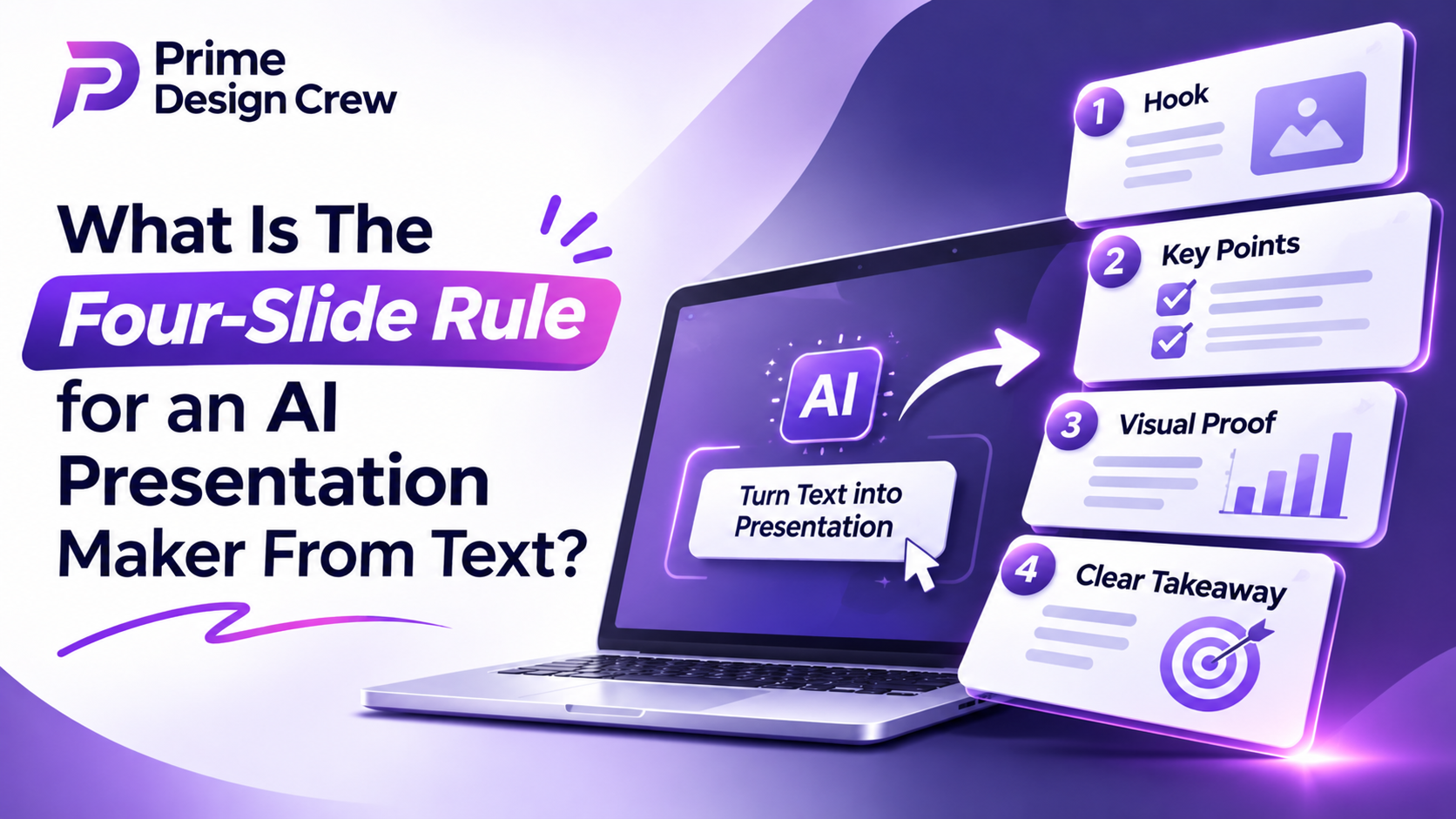
State your claim clearly in one sentence. In the first few slides of your presentation, you will typically have a title, subtitle, logo, and date- this is a wasted opportunity to grab people’s attention.
Next, include the single most powerful piece of evidence. Whether that be one figure, screenshot, or quote, make sure it will persuade someone who does not already agree with you.
Often people will include too much evidence on one slide (3 charts, 4 testimonials, etc.), which makes it impossible to read the presentation correctly. Evidence should not be competing with itself.
This is the most important objection and should be given a great deal of consideration. Whatever your concern is (cost, time, or embarrassment), it is important to write it up on a slide. This will make you seem like you have thought about it, and you will be able to define how you want to present the issue.
The last slot is the ask. A decision, with a name and a date attached. "Next steps" is not an ask. It's how a decision gets pushed to a call nobody wants.
The Tool Can't Find An Argument That Isn't In The Text
Four sentences in, the output stops describing and starts arguing. This is the bit of the AI presentation maker from text conversation that gets buried under prompt advice, and it matters more than any of it. Give the tool conclusions, and it builds slides that make a case. Give it prose, and it builds slides that summarize.
You notice the difference when someone asks a question you hadn’t planned for, because four clear conclusions leave you room to answer while paragraphs just get restated in a nicer font.
The AI tools are very good at creating the visuals. They are fast and produce good layouts. It also takes away the tedious part of building a deck. However, it does struggle to decide what your argument is, and no matter how much you tweak your prompts, it will never be able to work out what your argument is, as it wasn’t in the text.
You need to write the 4 sentences by yourself first. Anything that does not fit into one of the 4 categories should go into the pre-read document.Okay, everything is focused on using AI to automate this process. But here’s how it works/doesn’t work. 19 slides will be generated if you paste 3 pages of text into an AI presentation maker and hit generate. It’s not a fault. Because there is no indication in the text of which sentence is the argument of the paragraph. So paragraph 4 is the argument; paragraphs 2 and 3 are the setup. But the generator has no way of knowing which is which, so it will just create slides for everything. You get an accurate summary of your notes. If you change the input (your prompt), the output will change too.
Four Slides That Survive The Q&A
State your claim clearly in one sentence. In the first few slides of your presentation, you will typically have a title, subtitle, logo, and date- this is a wasted opportunity to grab people’s attention.
Next, include the single most powerful piece of evidence. Whether that be one figure, screenshot, or quote, make sure it will persuade someone who does not already agree with you.
Often people will include too much evidence on one slide (3 charts, 4 testimonials, etc.), which makes it impossible to read the presentation correctly. Evidence should not be competing with itself.
This is the most important objection and should be given a great deal of consideration. Whatever your concern is (cost, time, or embarrassment), it is important to write it up on a slide. This will make you seem like you have thought about it, and you will be able to define how you want to present the issue.
The last slot is the ask. A decision, with a name and a date attached. "Next steps" is not an ask. It's how a decision gets pushed to a call nobody wants.
The Tool Can't Find An Argument That Isn't In The Text
Four sentences in, the output stops describing and starts arguing. This is the bit of the AI presentation maker from text conversation that gets buried under prompt advice, and it matters more than any of it. Give the tool conclusions, and it builds slides that make a case. Give it prose, and it builds slides that summarize.
You notice the difference when someone asks a question you hadn’t planned for, because four clear conclusions leave you room to answer while paragraphs just get restated in a nicer font.
The AI tools are very good at creating the visuals. They are fast and produce good layouts. It also takes away the tedious part of building a deck. However, it does struggle to decide what your argument is, and no matter how much you tweak your prompts, it will never be able to work out what your argument is, as it wasn’t in the text.
You need to write the 4 sentences by yourself first. Anything that does not fit into one of the 4 categories should go into the pre-read document.